
Welcome to the Business Permit & Licensing Office (BPLO) of Lucena City!
We at the Business Permit & Licensing Office (BPLO) are dedicated to providing a smooth and efficient process for business registration and renewal. Whether you're a first-time entrepreneur or an established business owner, we simplify the process to help you comply with local regulations and get your business up and running with ease.

Type of Transaction

APPLICATION FOR NEW
Here you can handle projects together with team virtually
RENEWAL OF EXISTING
No need to worry about storage because we provide storage up to 2 TB
CHANGE OF INFORMATION
We always provide useful information to make it easier for you every day
How to Apply For a
New Business Permit
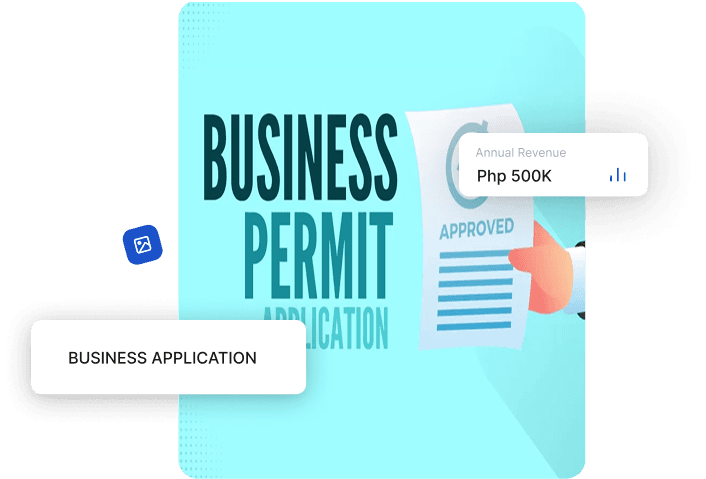
Prepare Required Documents
Before you start your application, make sure you have the following documents ready compiled in a pdf file.
- Two (2) passport size ID pictures of the owner or in cases of partnership or Corporation the picture of the Senior or Managing Partner, President or / Branch Manager.
- One (1) valid ID, with signature
- Community Tax Certificate (CTC/CEDULA)
- DTI/ /CDA Registration
- Zoning clearance from City Zoning Office
- Occupancy Permit (OP) or Certificate of OP Exemption from City Engineering Office
- Health Card/Certificate of the owner or any one of the employees from City Health Office
- Real Property Tax Clearance from City Treasurer's Office
- PESO Clearance from City PESO Office
Additional Requirements (If applicable):
- Notarized Authority to Sign and to File application in behalf of the applicant
- Notarized Contract of Lease
- Notarized Consent from the property owner
- Public Market Clearance
- National Agency Accreditation
- Certificate of Registration (BIR)
Filled-out Business Permit application form
- Visit the BPLO application page.
- Once on the page, select New and you will be redirected to filling out the unified form.
- Fill out the application form and submit it with the required documents.
- Attach photos of the establishment; interior and facade view for inspection
Upload the Requirements
- Prepare all required documents and compile them into a single PDF file.
- Upload the PDF file on the BPLO application page.
Inspection & Approval (if required)
- If an inspection is required, wait for the inspector to visit your establishment. You'll be notified once your application is approved.
Assessment and Payment
Once your application is approved, you will receive a Statement of Account detailing the fees to pay. You can pay via:
- Gcash (details are still for discussion)
- Bank Transfer (Pay through Landbank Savings Account 0211-3057-54 under the account name “City Government of Lucena”)
Release
Once your payment has been confirmed, you will receive your business permit via email (?) if you applied online, or you may pick up the physical permit at the BPLO office located at the Lucena City Government Complex.
How to Apply For a
Renewal of Existing Business Permit
Prepare Required Documents
Before you start your renewal application, make sure you have the following documents ready compiled in a pdf file.
- Previous year's Business Permit
- One (1) valid ID, with signature
- Updated Community Tax Certificate (CTC/CEDULA)
- Updated DTI/SEC/CDA Registration (if applicable)
- Zoning clearance from City Zoning Office (if changed location)
- Occupancy Permit (OP) or Certificate of OP Exemption from City Engineering Office (if changed location)
- Updated Health Card/Certificate from City Health Office
- Real Property Tax Clearance from City Treasurer's Office
- PESO Clearance from City PESO Office
Additional Requirements (If applicable):
- Notarized Authority to Sign and to File application in behalf of the applicant (if representative)
- Updated Notarized Contract of Lease (if applicable)
- Updated Notarized Consent from the property owner (if applicable)
- Public Market Clearance (if applicable)
- Updated National Agency Accreditation (if applicable)
- Updated Certificate of Registration (BIR)
Fill-out Business Permit application form
- Visit the BPLO application page.
- Once on the page, select Renew and you will be redirected to a login page.
- You will need to request for a login credentials for your business at BPLO or via email.
- Once you are in the BPLO Online Payment Website go to business tab and fill out the application form and submit it with the required documents.
- Attach photos of establishment; interior and facade view for inspection
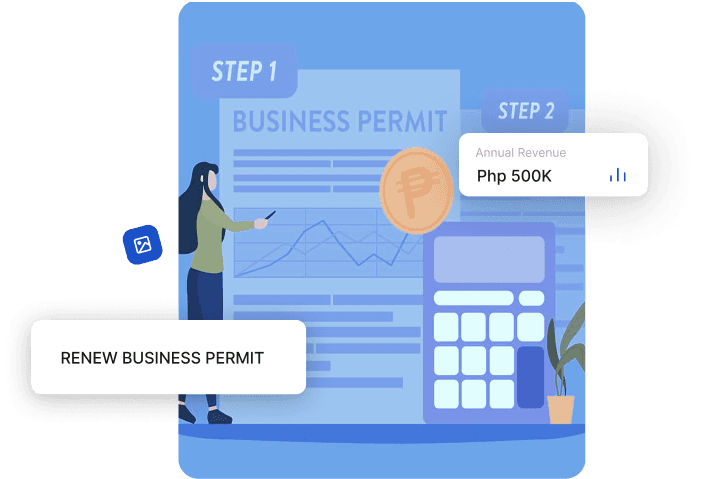
Upload the Requirements
- Prepare all required documents and compile them into a single PDF file.
- Upload the PDF file on the BPLO application page.
Inspection & Approval (if required)
- If an inspection is required, wait for the inspector to visit your establishment. You'll be notified once your application is approved.
Assessment and Payment
Once your application is approved, you will receive a Statement of Account detailing the fees to pay. You can pay via:
- Gcash (details are still for discussion)
- Bank Transfer (Pay through Landbank Savings Account 0211-3057-54 under the account name “City Government of Lucena”)
Release
Once your payment has been confirmed, you will receive your business permit via email (?) if you applied online, or you may pick up the physical permit at the BPLO office located at the Lucena City Government Complex.
How to Apply For Change of Information
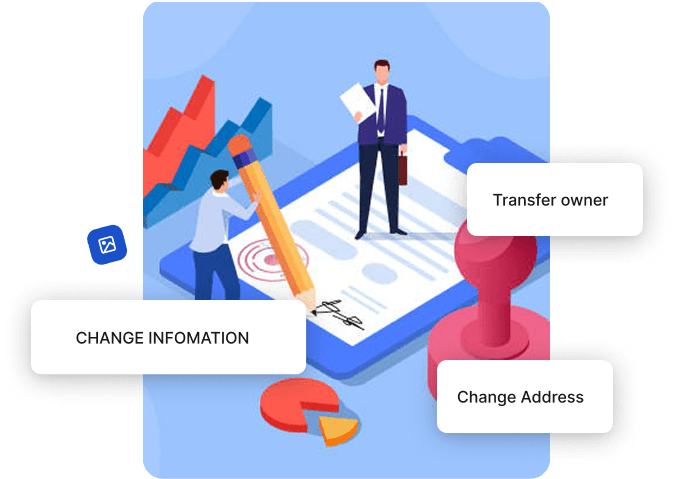
Prepared Required Documents
Please note that the requirements may vary depending on the specific information you wish to update or change.
For CHANGE OF BUSINESS ADDRESS , here are the documents you need to submit:
- One (1) valid I.D. with signature.
- Zoning clearance from City Zoning Office.
- Occupancy Permit (OP) or Certificate of OP Exemption from City Engineering Office.
- Real Property Tax Clearance from City Treasurer's Office.
Additional Requirements (If applicable):
- Notarized Authority to Sign and to File application in behalf of the applicant.
- Notarized Contract of Lease.
- Notarized Consent from the property owner.
- Lessor's Business Permit.
For CHANGE OF OWNERSHIP, here are the documents you need to submit:
- Filled-out Business Permit application form.
- Two (2) passport size ID pictures of the owner or in cases of partnership or Corporation the picture of the Senior or Managing Partner, President or /Branch Manager.
- One (1) valid I.D. with signature.
- Community Tax Certificate (CTC/CEDULA).
- DTI/SEC/CDA Registration (under the name of the new owner).
- Deed of Assignment/ Affidavit of Undertaking.
Additional Requirements (If applicable):
- Notarized Authority to Sign and to File application in behalf of the applicant.
- Notarized Contract of Lease (under the name of the new owner).
- Notarized Consent from the property owner (under the name of the new owner)
- Lesor's Business Permit
For CHANGE OF ANY OTHER INFORMATION, here are the documents you need to submit:
- Filled-out Business Permit application form
- Two (2) passport size ID pictures of the owner or in cases of partnership or Corporation the picture of the Senior or Managing Partner, President or / Branch Manager.
- One (1) valid I.D. with signature
- Community Tax Certificate (CTC/CEDULA)
- DTI/SEC/CDA Registration (under the name of the new owner)
Additional Requirements (If applicable):
- Notarized Authority to Sign and to File application in behalf of the applicant
- Notarized Contract of Lease
- Notarized Consent from the property owner
- Public Market Clearance
- National Agency Accreditation
- Certificate of Registration (BIR)
- Lessor's Business Permit
Filled-out Business Permit Application From
- Visit the BPLO application page.
- Once on the page, select New and you will be redirected to filling out the unified form.
- Fill out the application form and submit it with the required documents.
- Attach photos of the establishment; interior and facade view for inspection
Upload the Requirements
- Prepare all required documents and compile them into a single PDF file.
- Upload the PDF file on the BPLO application page.
Inspection & Approval (if required)
- If an inspection is required, wait for the inspector to visit your establishment. You'll be notified once your application is approved.
Assessment and Payment
Once your application is approved, you will receive a Statement of Account detailing the fees to pay. You can pay via:
- Gcash (details are still for discussion)
- Bank Transfer (Pay through Landbank Savings Account 0211-3057-54 under the account name “City Government of Lucena”)
Release
Once your payment has been confirmed, you will receive your business permit via email (?) if you applied online, or you may pick up the physical permit at the BPLO office located at the Lucena City Government Complex.
Online Payment Options
Soon
Credit/Debit Card
Secure and Instant Processing.
Soon
Bank Transfer
Pay through our partner banks.
Soon
E-Wallet
Quick and easy transactions. (Gcash, PayMaya, etc.)

Frequently Asked Questions
(FAQs)

It typically takes 3 to 5 business days, depending on the completeness of your documents and approval timeline.
Yes, many local governments now allow online applications via their e-BPLS portal.
Late renewals may incur penalties and interest. Your business may also be temporarily suspended.
Yes, all businesses—including home-based—are generally required to secure permits to operate legally.